Anki review for students: useful when exams are close?
Anki is a flashcard app that decides when to show you each card again, based on how well you remembered it last time. It is free on Windows, Mac, Linux, and Android, with free syncing between devices; the iPhone app is a one-off purchase. It suits facts you need to recall, such as definitions, formulas, and vocabulary, and works best when you start weeks before an exam. With only days left, a small deck of your own mistakes is more realistic than a large new deck. [1] [3]
Anki at a glance
Details checked on 21 September 2026 from Anki's website and manual, the US App Store, and Google Play.
| Question | What we found |
|---|---|
| Who is it for? | Anyone who needs to memorise facts. The App Store rates AnkiMobile 4+. The pages we checked do not state a minimum age for an AnkiWeb account. [2] |
| Which devices? | Windows, Mac, and Linux; iPhone and iPad through AnkiMobile; and Android through AnkiDroid. AnkiWeb, a free website, syncs your cards between them. [1] [9] |
| Is it free? | Yes on computers and Android, and AnkiWeb syncing is free. AnkiMobile for iPhone is a paid app. [1] |
| What does the paid app cost? | AnkiMobile was $24.99 on the US App Store, as a one-off purchase with no subscription. [2] |
| How long does setup take? | Longer than most study apps, because you usually write your own cards. We did not measure it. |
| Main limitation | Reviews pile up if you add too many cards or miss days, and flashcards suit facts better than essays or problem solving. |
How we put this review together
On 21 September 2026 we read Anki's website, its user manual, the AnkiWeb privacy policy, the AnkiMobile listing on the US App Store, and the AnkiDroid listing on Google Play. We also read research on flashcard-style study and on Anki use by medical students.
This is a review of published information, not a hands-on test. We did not install Anki, build a deck, or use it over several days. The advice on when to start is our assessment, based on the manual and the research below.
How does Anki work?
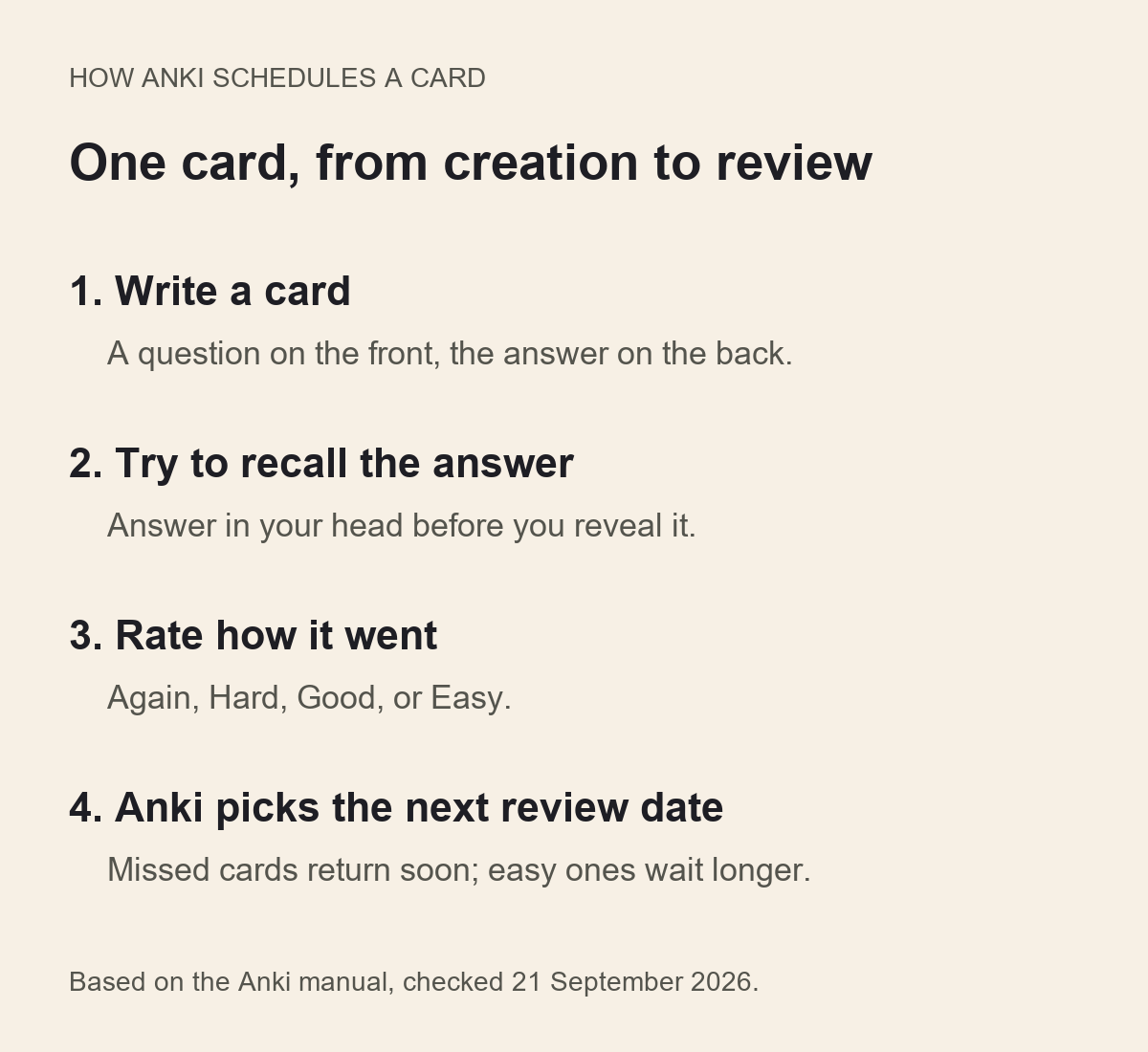
Each card has a question on the front and an answer on the back. You try to recall the answer, reveal it, and then choose Again, Hard, Good, or Easy. Anki uses your choice to schedule the next review: cards you forgot come back soon, and cards you knew wait longer. [1] [3]
Cards are grouped into decks, for example one per subject. You can make cards on your computer and review them on your phone, because the free AnkiWeb service syncs them between devices. [1] [4]
You can also download decks other people have made. The manual warns that shared decks lack the understanding their authors had, and suggests making your own cards for complex subjects. It quotes the rule "Do not learn if you do not understand." [4]
Does Anki help you revise?
The ideas behind Anki are well supported. A major review of study techniques rated two of them, testing yourself and spreading study over time, as among the most useful, across many ages, subjects, and kinds of test. Rereading and highlighting were rated much less useful. [5]
Research on Anki itself is thinner. A 2026 review of 11 studies in medical students found that heavy Anki users tended to score higher on a major licensing exam. Results for ordinary course exams were mixed, and most studies were observational, so they cannot show that Anki caused the higher scores. [6]
None of this shows that Anki reduces exam anxiety or prevents your mind going blank. It is a way to practise recall, which is one part of revising.
Is it worth starting Anki when exams are close?
It depends on how much time you have and what the exam tests. The table below is our suggestion, not a rule from Anki.
If you are behind on reviews, the manual recommends adding no new cards until you catch up. It also lets you set a daily review limit, so a bad week does not turn into an impossible queue. [7]
After a break, you do not have to start again. The manual says you can pick up where you left off, and Anki shows the cards that have waited longest first. [3]
| Time before the exam | Our suggestion |
|---|---|
| Several weeks or more | Worth setting up. Add a small number of new cards each day and review daily. |
| One to two weeks | Keep it small. Make cards only for facts you keep getting wrong. |
| A few days | Probably skip setup. Use practice questions and past papers, and test yourself on paper. |
What does Anki cost?
The computer version and AnkiWeb, including syncing, are free. AnkiDroid for Android is free and made by volunteer contributors; it accepts donations. [1] [8]
AnkiMobile for iPhone and iPad was $24.99 on the US App Store, with no in-app purchases listed. Anki says sales of AnkiMobile fund its development, which is why it is priced like computer software. The App Store describes it as a companion to the computer version, so some tasks, such as changing card types, still need a computer. [1] [2]
If you use an iPhone and do not want to pay, you can review on a computer instead. Be careful with similarly named apps: only AnkiMobile is made by the Anki developer for iOS.
| Device | App | Cost |
|---|---|---|
| Windows, Mac, Linux | Anki | Free |
| Syncing between devices | AnkiWeb | Free, with an account |
| Android | AnkiDroid | Free |
| iPhone and iPad | AnkiMobile | $24.99 one-off on the US App Store |
What are the drawbacks?
Writing good cards takes time and some skill. Cards that ask for one clear fact are easier to review than cards that ask for a whole paragraph.
The daily queue can become a source of pressure. Adding many new cards at once creates a lot of reviews a few days later. Keep new cards low, and use the review limit if the queue grows. [7]
Anki has many settings, and the defaults work for most people. The manual describes an optional scheduler called FSRS that aims to show cards at better times; you do not need to change it to start. [7]
What about privacy?
You can use the computer version without an account. Syncing needs a free AnkiWeb account with an email address. AnkiWeb stores your cards and review history, which are private unless you choose to share them. [9]
The policy says Anki may use your review history, but not the text or pictures on your cards, for statistics and anonymised research. Server logs are deleted after one month, data is stored in the EU and US, and deleting your account deletes your data. Accounts unused for six months or more may expire, so keep a backup. [9]
Who should use Anki?
A short summary, based on published information rather than our own use:
- Use it if you have weeks before your exams and need to remember many facts, such as vocabulary, definitions, dates, or formulas.
- Keep it small if exams are close: only the facts you keep forgetting.
- Skip it if your exams mostly test essays or problem solving, or if a growing review queue would add to your stress.
Sources and further reading
These links open Anki's own pages and manual, the app stores, and a research database.
- Anki: official website
Supported platforms, free and paid versions, AnkiWeb sync, and AnkiDroid. Version 26.09.2 listed, checked 21 September 2026. - AnkiMobile Flashcards on the US App Store
Price, seller Anki Software LLC, age rating, companion-app description, and the privacy label shown on 21 September 2026. - Anki Manual: Studying
Answer buttons, the order of overdue cards, and returning after a break. - Anki Manual: Getting Started
Cards, notes, decks, and the caution about shared decks. - Dunlosky and colleagues (2013): improving students' learning with effective learning techniques
Review of 10 study techniques. Rated practice testing and distributed practice as high utility. Did not test Anki. - Frappa and colleagues (2026): Anki use and academic performance in medical education
Systematic review of 11 studies in medical students. Mostly observational; results for course exams were mixed. - Anki Manual: Deck Options
Daily limits, advice on backlogs, and the optional FSRS scheduler. - AnkiDroid Flashcards on Google Play
Developer AnkiDroid Open Source Team, features, and data safety summary, checked 21 September 2026. - AnkiWeb: privacy policy
What AnkiWeb stores, research use of review history, log retention, data locations, and account deletion.
Educational review, not medical advice. Prices, features, and policies change, so check the provider's own pages before you pay or enter personal information.